Workforce automation is the use of technology, including AI, robotic process automation, and software systems, to perform work that was previously done by people. Most explanations of workforce automation stop at that definition and move straight to a list of tools and a generic pros-and-cons breakdown. What actually determines whether automation helps or damages an organization is something narrower and more specific: which tasks, not which jobs, are exposed, and what happens to the capacity that gets freed up once those tasks are automated.
This guide covers why task-level thinking is the correct unit of analysis for workforce automation, what current exposure data actually shows, and the decision layer most workforce automation guidance skips entirely, what an organization should actually do with the capacity automation frees up.
Automating a task without applying these five lenses is how organizations end up with a technically successful automation project that still damages morale, wastes redeployable talent, or automates a task that was never actually the bottleneck it appeared to be. This is also where automation decisions can quietly go wrong in a different way: leaders defer entirely to a tool’s recommendation about which tasks to automate without independently verifying the underlying data, a pattern covered in more depth in INOP’s guide on AI automation bias and why it distorts workforce decisions.
What Workforce Automation Actually Means
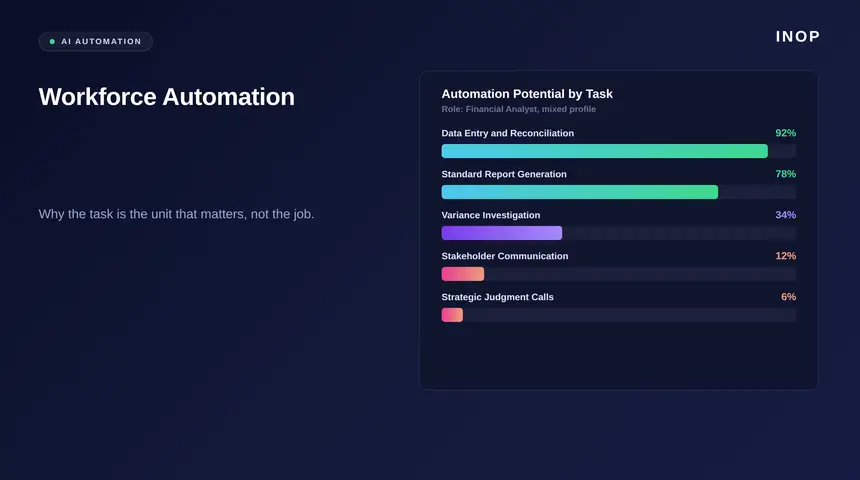
Workforce automation is not a single event where a job either gets automated or it does not. Almost every role is a bundle of dozens of individual tasks, and automation exposure varies enormously across that bundle. A finance analyst’s role might include data reconciliation, which is highly automatable, alongside stakeholder negotiation, which is not. Treating the whole role as automatable or safe misses the real picture entirely, which is exactly why more than 90 percent of jobs retain some meaningful protection from near-term automation even as the tasks inside those same jobs shift substantially.Why Job-Level Thinking About Automation Gets the Risk Wrong
Most workforce automation planning still happens at the job title level: is this role going away, yes or no. That framing produces two consistent failures. It overstates risk for roles that contain a mix of automatable and non-automatable tasks, causing unnecessary anxiety and premature restructuring decisions. And it understates risk for roles that look safe on paper but actually contain a concentrated cluster of highly automatable tasks that, once automated, meaningfully change what the role requires. Sixty percent of companies now use automation in their workflows, and organizations report an average 66 percent productivity increase on the specific tasks automation touches, according to the same workplace automation research. That gain is task-specific, not role-wide, which is precisely why measuring at the task level produces a far more accurate picture than asking whether an entire job will disappear.The Task-Level Exposure Data Everyone Should Be Looking At
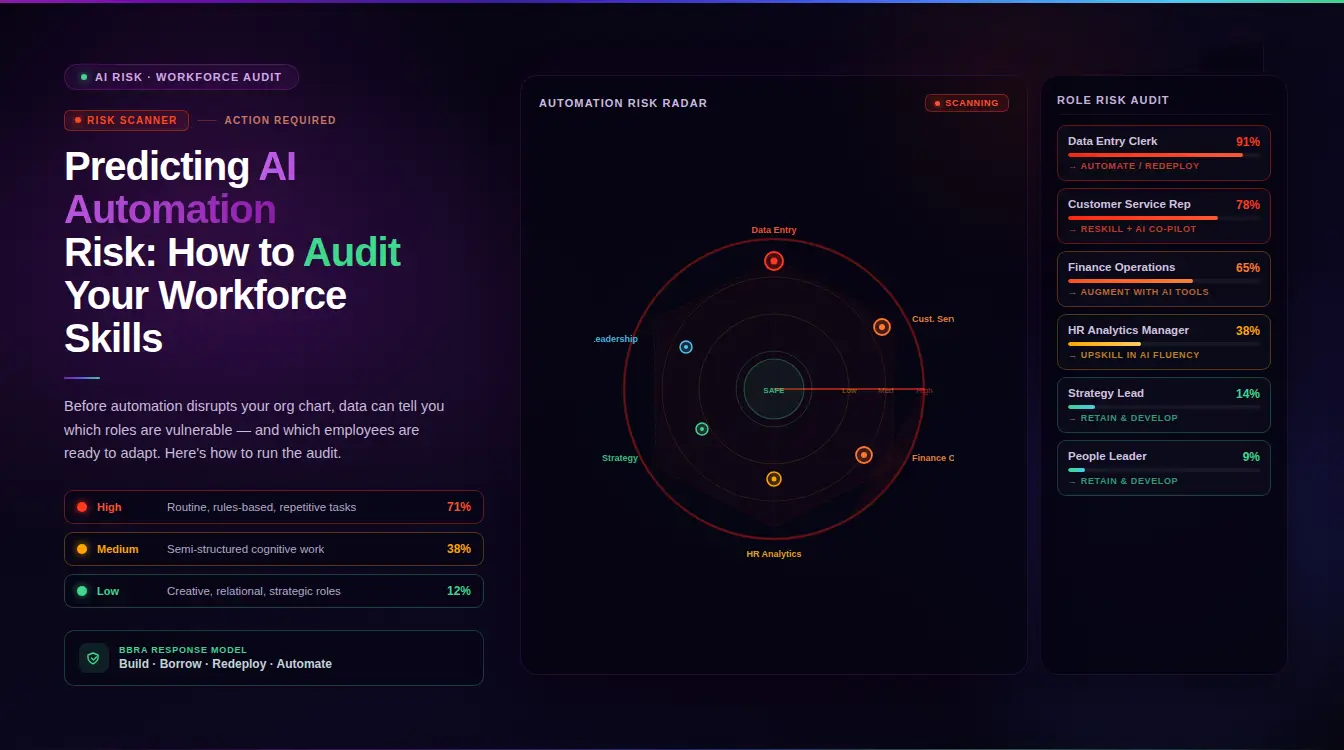
Current research increasingly measures automation exposure by task content rather than job title, and the resulting picture is more nuanced than most headlines suggest. Between 14 and 20 percent of all workforce tasks, depending on the country, could be automated with current technology, with engineering and computational roles facing the highest task-level exposure at 29 percent, legal and financial occupations at 27 percent, and management and administrative roles at 24 percent. Clerical support work carries some of the clearest concentration, with 24 percent of clerical tasks facing high automation risk and another 58 percent facing medium exposure. Ninety-one percent of companies report that roles have already changed or been eliminated in some form due to automation, which confirms the shift is not a future scenario but a current, ongoing restructuring of what roles actually require. The most protected work sits at the opposite end of this same data: roles anchored in physical dexterity, real-time sensory judgment, or the kind of relational attunement that resists pattern-matching over historical precedent carry automation exposure in the low single digits, even within occupational families that look highly automatable on paper. This is precisely why a single, role-wide exposure score is misleading. Two employees with the same job title can carry meaningfully different real exposure depending on which specific tasks make up the bulk of their actual day-to-day work, a distinction a job-title-level assessment simply cannot capture.See how INOP scores automation exposure at the task level across your workforce. Book a demo to walk through a live exposure map for your organization.
What Happens to Capacity Once a Task Gets Automated
This is the question most workforce automation guidance never answers, and it is the one that actually determines whether automation creates value or just creates disruption. When a task gets automated, the person who used to perform it does not disappear along with the task. Their remaining capacity needs a destination: redeployment into a role with higher-value tasks, upskilling toward the parts of their current role automation cannot touch, or, in a smaller share of cases, a genuine reduction in headcount because the automated task represented the majority of what the role required. Skipping this decision, treating automation purely as a cost-cutting or efficiency initiative with no plan for the freed capacity, is why so many automation projects generate short-term savings and long-term disengagement, since 51 percent of American workers already worry automation will affect their job, and that anxiety compounds when an organization automates a task with no visible plan for what happens next.INOP’s Five Intelligence Lenses Applied to Workforce Automation
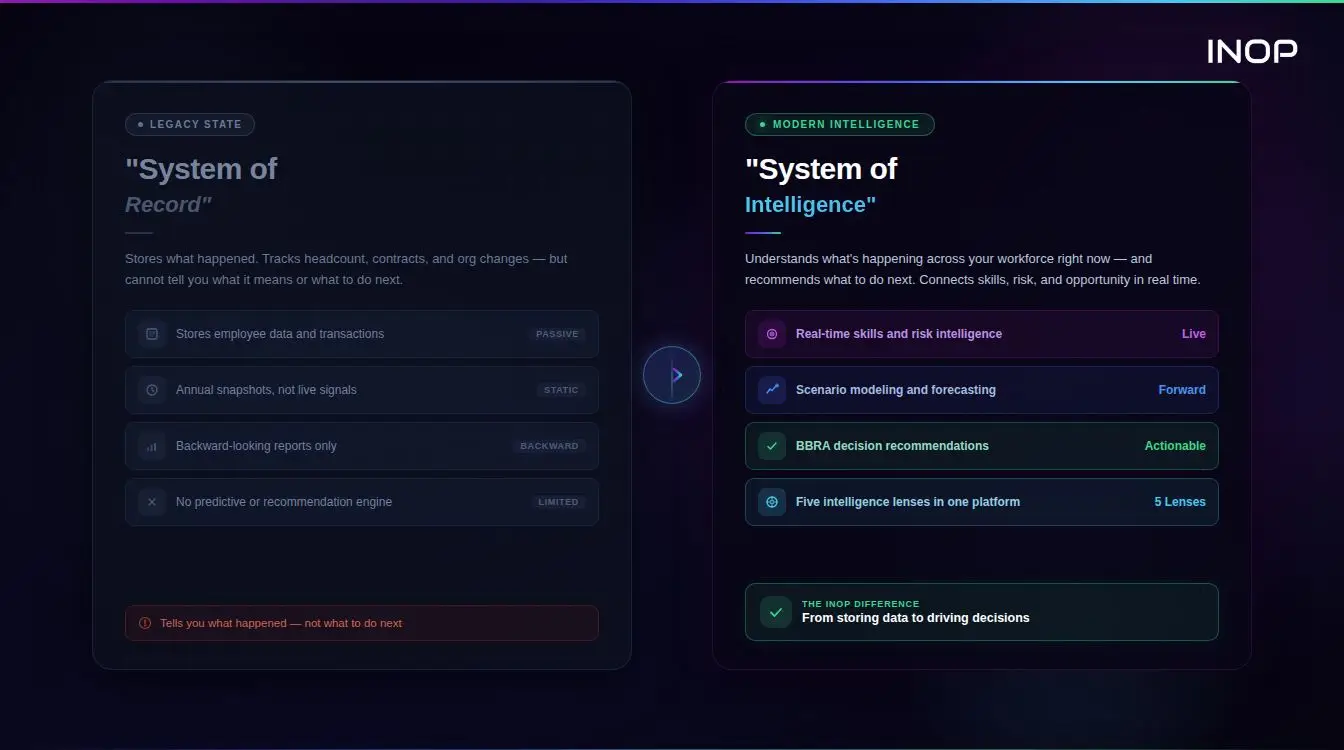
An automatable task is a technical fact. Whether automating it is the right decision depends on more than technical feasibility. INOP evaluates every workforce automation decision through five intelligence lenses before it becomes a plan.| Lens | What It Evaluates in a Workforce Automation Decision |
|---|---|
| Strategy | Whether automating this task actually supports a business priority, or is being pursued because the technology is available |
| Finance | The real cost base impact of automation, including implementation cost, against the value of the freed capacity |
| People | What happens to the employees whose tasks are automated, and whether their remaining capability is being redirected deliberately |
| Market | Whether the skills displaced by automation are still valuable elsewhere in the external labor market, informing redeployment versus reskilling decisions |
| AI and Automation | The actual task-level exposure and pace of automation for the role, rather than a binary job-level assumption |
BBRA: Modeling the Response to Automated Capacity
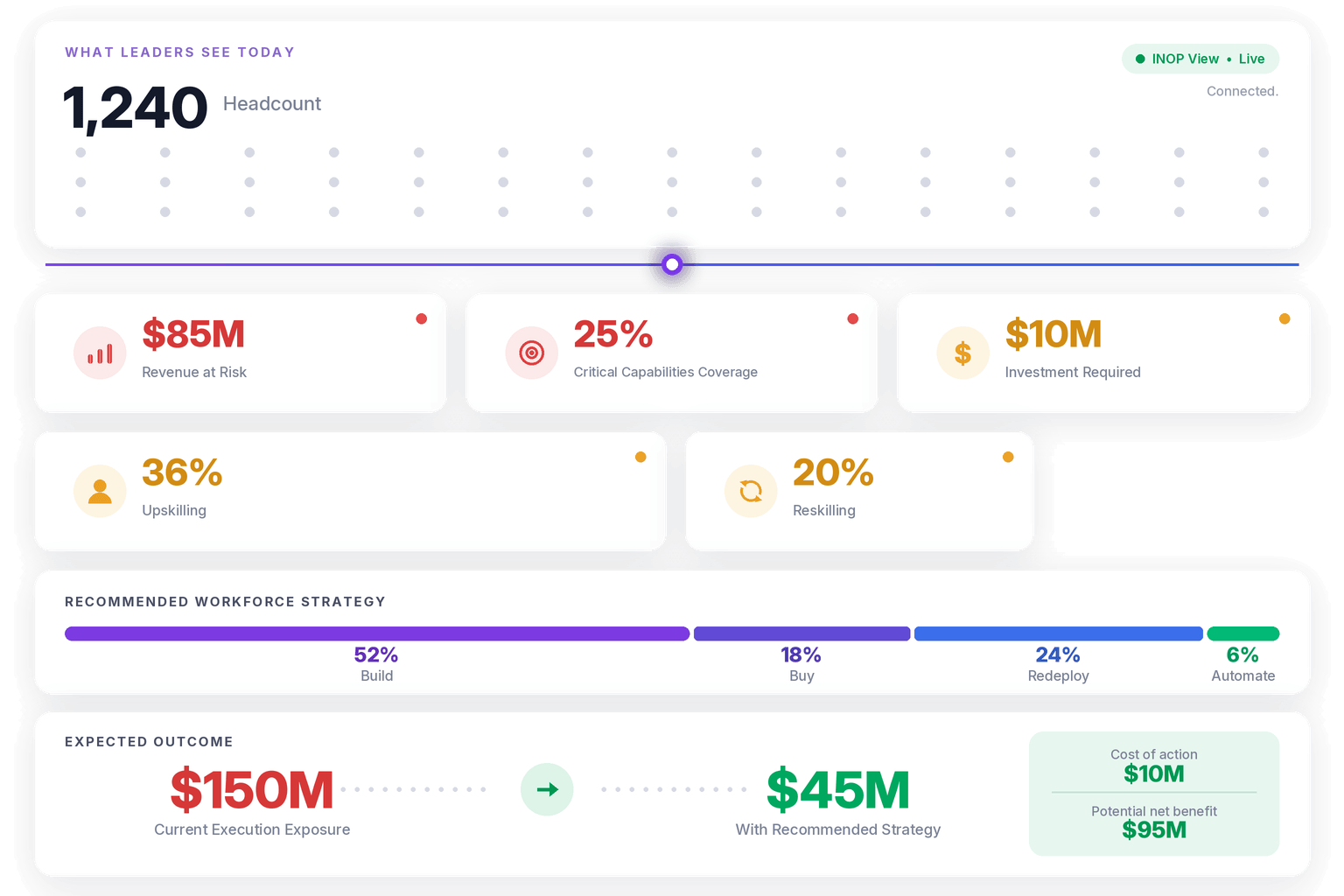
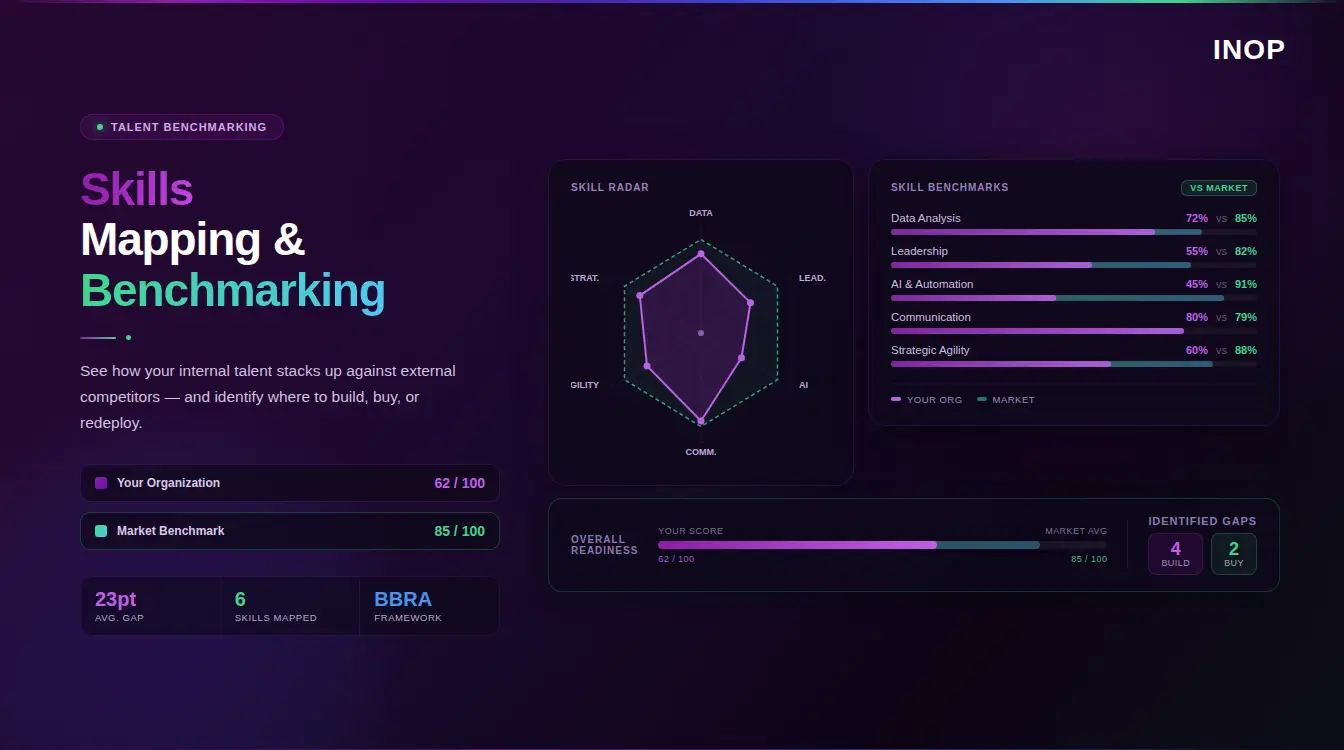
Once a task is confirmed as a strong automation candidate, INOP’s proprietary BBRA framework, Build, Buy, Redeploy, and Automate, models what should happen to the capacity that frees up, comparing all four pathways against financial tradeoffs across four time horizons: thirty days, one hundred eighty days, one year, and three years. Applied to a real automation decision, this means the answer to what happens to the affected employee is modeled rather than assumed. Redeploying them into a role with tasks automation cannot yet touch might close a separate capability gap faster than an external hire would. Upskilling them toward the higher-value tasks remaining in their own role might be the fastest path if the gap is narrow. Automating additional adjacent tasks might be worth comparing before committing to either option. Running this comparison, rather than treating headcount reduction as the automatic default once a task is automated, is what separates a workforce automation program that actually improves the organization from one that simply cuts cost in the short term while quietly damaging capability it will need again later. Verifying that an automation initiative actually delivered the impact it was funded to deliver is its own discipline, covered in more depth in INOP’s guide on AI workforce impact measurement and why self-reported productivity gains consistently run ahead of what verified data shows.Workforce Automation for Private Equity Operating Partners
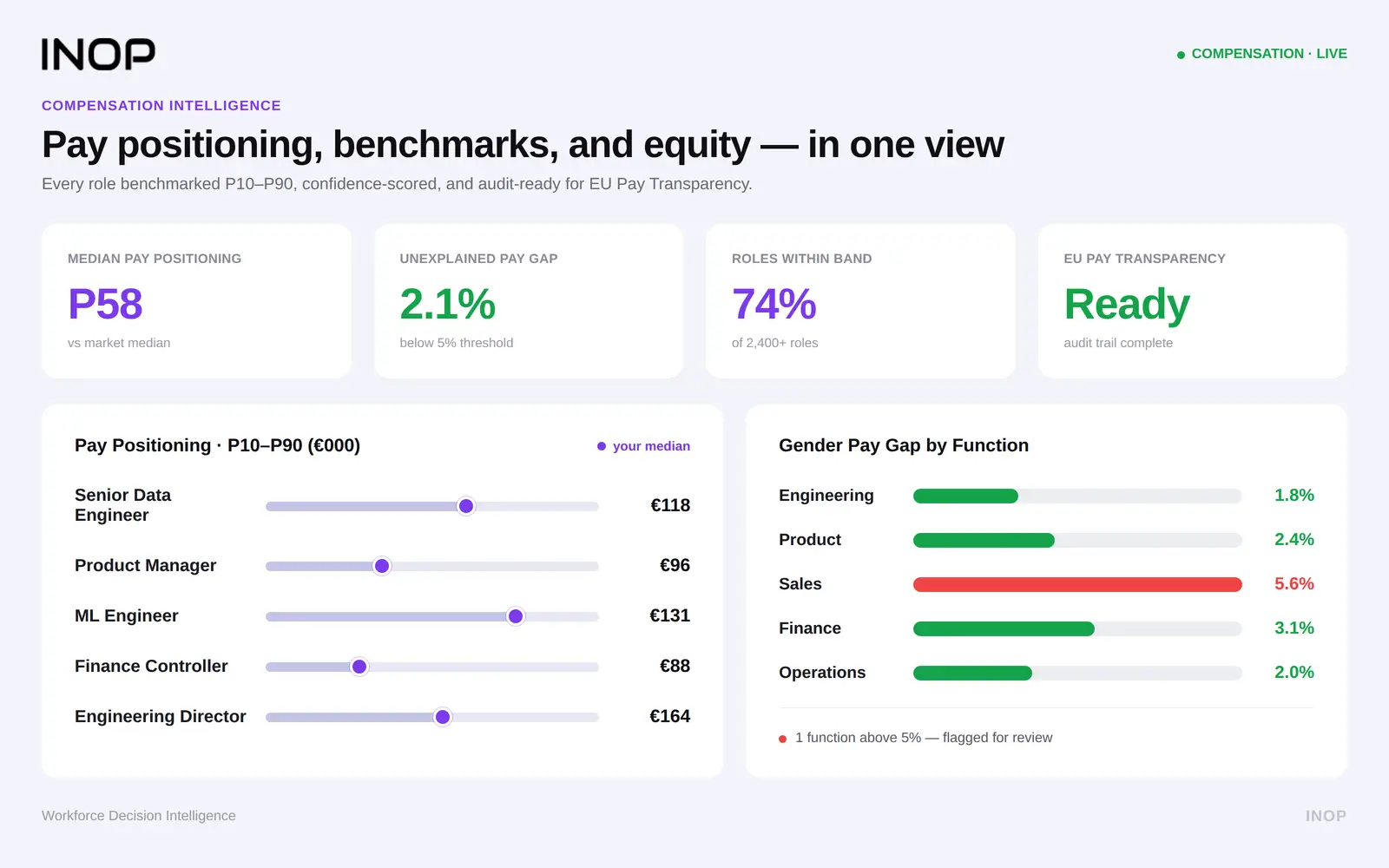
Inside a portfolio company, workforce automation claims made during diligence or a hundred-day plan deserve real scrutiny, since a projected cost reduction from automation is only credible if it accounts for the redeployment, reskilling, or genuine headcount reduction required to realize it. A company that reports automation savings without a clear plan for the displaced capacity is likely overstating the net benefit, since unmanaged disruption tends to show up later as attrition, disengagement, or a capability gap that needs to be rebuilt at real cost. Standardizing this evaluation across a portfolio through INOP’s strategic workforce planning platform gives operating partners a consistent way to model task-level automation exposure and its financial impact across assets, rather than accepting a portfolio company’s automation roadmap at face value. Where automation frees up employees whose remaining skills carry scarce, high-demand value, INOP’s compensation analytics platform connects that finding directly into pay benchmarking, since redeployment decisions often come with a compensation dimension a pure automation savings estimate will not surface.Common Mistakes in Workforce Automation Planning
Assessing automation risk at the job level instead of the task level. Whole-role assumptions overstate risk for mixed-task roles and understate it for roles with a concentrated cluster of highly automatable tasks, producing planning decisions built on the wrong unit of analysis entirely. Treating automation as purely a cost initiative. Automation that ignores what happens to displaced capacity generates short-term savings and long-term disengagement, particularly given how widespread worker concern about automation already is. Skipping verification of who actually holds the automatable tasks. Assuming a role is automation-ready based on the job title rather than verified task data leads to decisions made on assumption rather than evidence. INOP’s skills intelligence platform supports this by mapping verified skills and task-level capability against external market signals, so automation decisions are grounded in current, verified data rather than an outdated job description. Automating without a redeployment or reskilling plan in place first. Waiting until after a task is automated to figure out what happens to the affected employee turns a planned transition into a reactive scramble, and the resulting confusion is what damages trust in future automation initiatives. Never revisiting the exposure assessment. Task-level automation exposure shifts as the underlying technology improves. An exposure assessment done once and never updated will understate risk for roles where automation capability has since caught up.Frequently Asked Questions
What is the difference between job automation and task-level workforce automation?
Job automation assumes an entire role either gets automated or does not. Task-level workforce automation recognizes that most roles are a mix of automatable and non-automatable tasks, which produces a far more accurate picture of actual exposure and a more targeted response.What percentage of workforce tasks can currently be automated?
Current research puts the figure between 14 and 20 percent of all workforce tasks depending on the country, with meaningful variation by occupation. Engineering and computational roles face the highest exposure at around 29 percent, while roles requiring physical dexterity or continuous human judgment face substantially less.Does workforce automation always lead to job losses?
Not necessarily. More than 90 percent of jobs retain meaningful protection from near-term full automation, since most roles are a mix of automatable and non-automatable tasks. The more common outcome is a shift in task composition, not full elimination, though a smaller share of roles do see genuine reduction.What should happen to an employee’s role after their tasks get automated?
Their remaining capacity needs a deliberate destination, either redeployment into a role with higher-value tasks, upskilling toward the parts of their existing role automation cannot touch, or in some cases a planned reduction, modeled against the cost and speed of each option rather than defaulted to whichever is easiest.How should private equity operating partners evaluate a portfolio company’s workforce automation plan?
By checking whether projected savings account for the cost of redeploying or reskilling displaced capacity, not just the automation implementation cost. Automation savings that ignore this step are commonly overstated.Ready to see task-level automation exposure mapped across your workforce, with a modeled plan for what comes next? Book a demo and INOP will walk through live exposure scoring and BBRA, together.