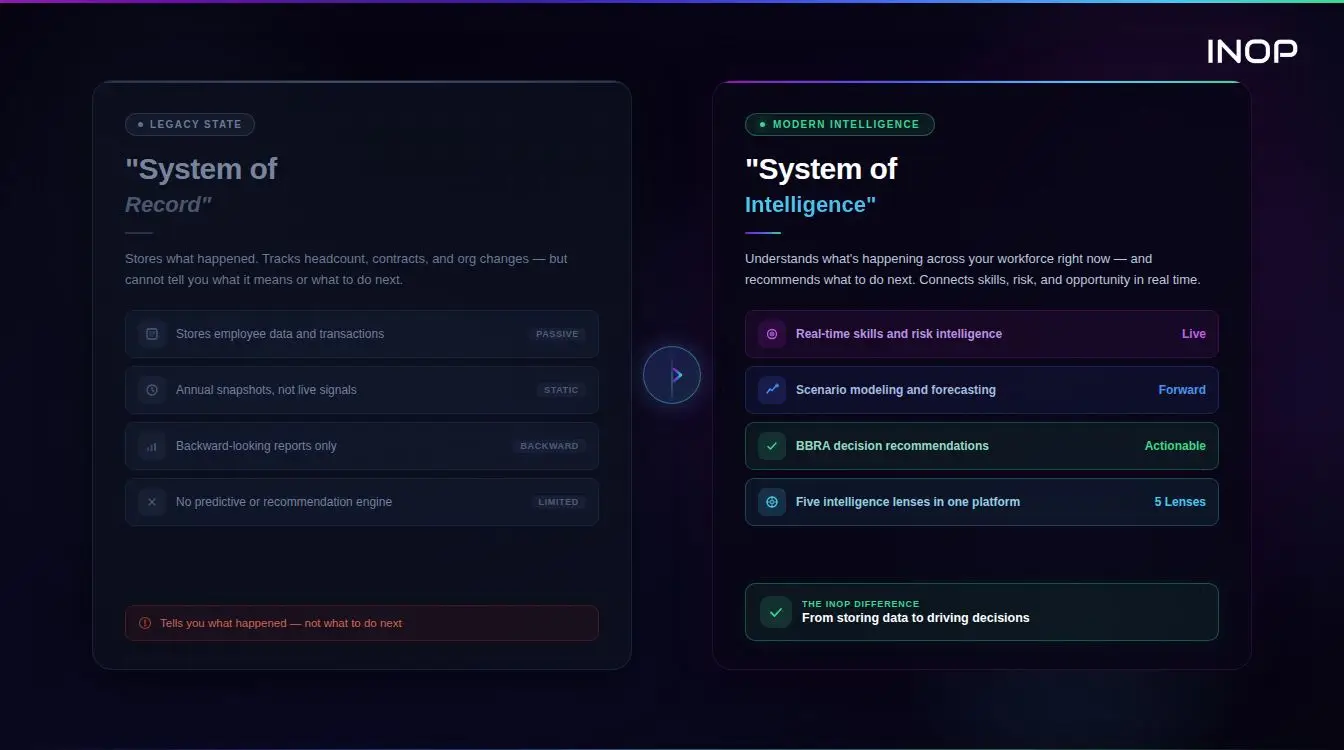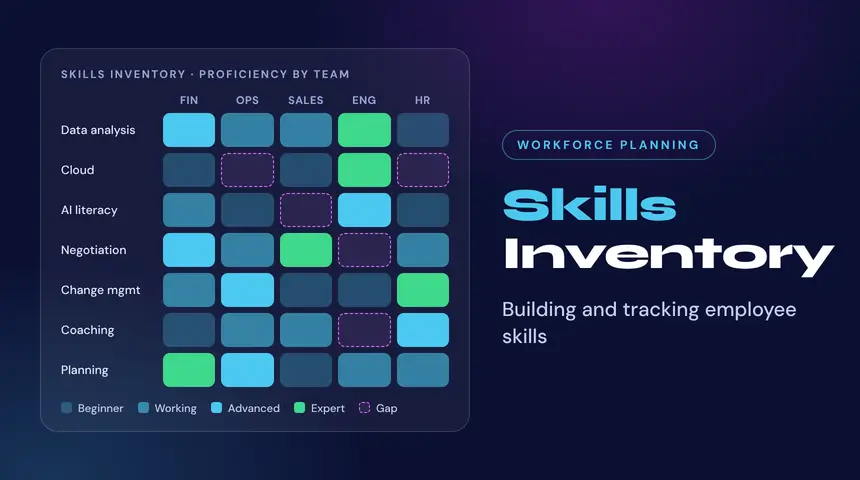
A skills inventory is a structured, current record of the skills your people hold, how strong each skill is, and what evidence supports it. It is the baseline for every workforce decision, because an organization cannot judge whether it can deliver its strategy without knowing what capability it already has. Most organizations keep this information in scattered places, such as HR systems, learning records, résumés and manager memory, and the sources rarely agree. This guide explains what a skills inventory contains, how to build one, how employee skills tracking keeps it accurate, and how to turn it into funded decisions.
What Is a Skills Inventory
A skills inventory lists skills at the level of the organization, a business unit, a team or an individual, and links each skill to a proficiency level, a source and a date. The output answers three questions: which skills do we have, how many people hold each one, and how reliable is that data. Without the third answer, the first two are guesses.
A useful inventory is not a one-time census. It is a living dataset that changes as people finish projects, build new capabilities and move between roles, and as the market changes what a skill is worth.
Skills Inventory vs Skills Assessment
An assessment measures one person’s ability at one moment, usually through a test, an interview or a manager review. An inventory combines many such signals into a single organization-wide record. Assessments feed the inventory as one evidence source among several. Treating an assessment as the inventory produces a snapshot that is out of date within months and covers only the people who were tested.
Skills Inventory vs Skills Matrix and Competency Framework
A skills matrix is a grid of people against skills, usually for one team. A competency framework defines which skills and behaviors a role requires. The inventory sits between them: it records what people have, so it can be compared against what the framework says the role needs. INOP’s article on the competency framework explains how to define the target side of that comparison.
What a Skills Inventory Should Contain
Skill Records and Proficiency Levels
Each record names a skill from a shared taxonomy and rates proficiency on a defined scale. Three to five levels are enough. A longer scale invites false precision, and raters stop agreeing with each other.
Evidence and Source of Each Skill
Every skill should carry its source: self-reported, manager-validated, derived from project history, confirmed by a credential or inferred from role data. Self-reported skills tend to be inflated for some people and understated for others, so the source tag lets analysts weight each record. INOP flags which skills are provided by the client and which are inferred, so reviewers always know what they are looking at.
Role, Task and Context Data
A skill means little without the work it supports. Linking skills to roles and tasks shows where a skill is used, how much time it consumes and how exposed it is to automation. Employee-level data is not a prerequisite. INOP also works with role and task-level data, which suits organizations that cannot share individual records.
Market Signals: Emerging, In Demand, Stable and Declining
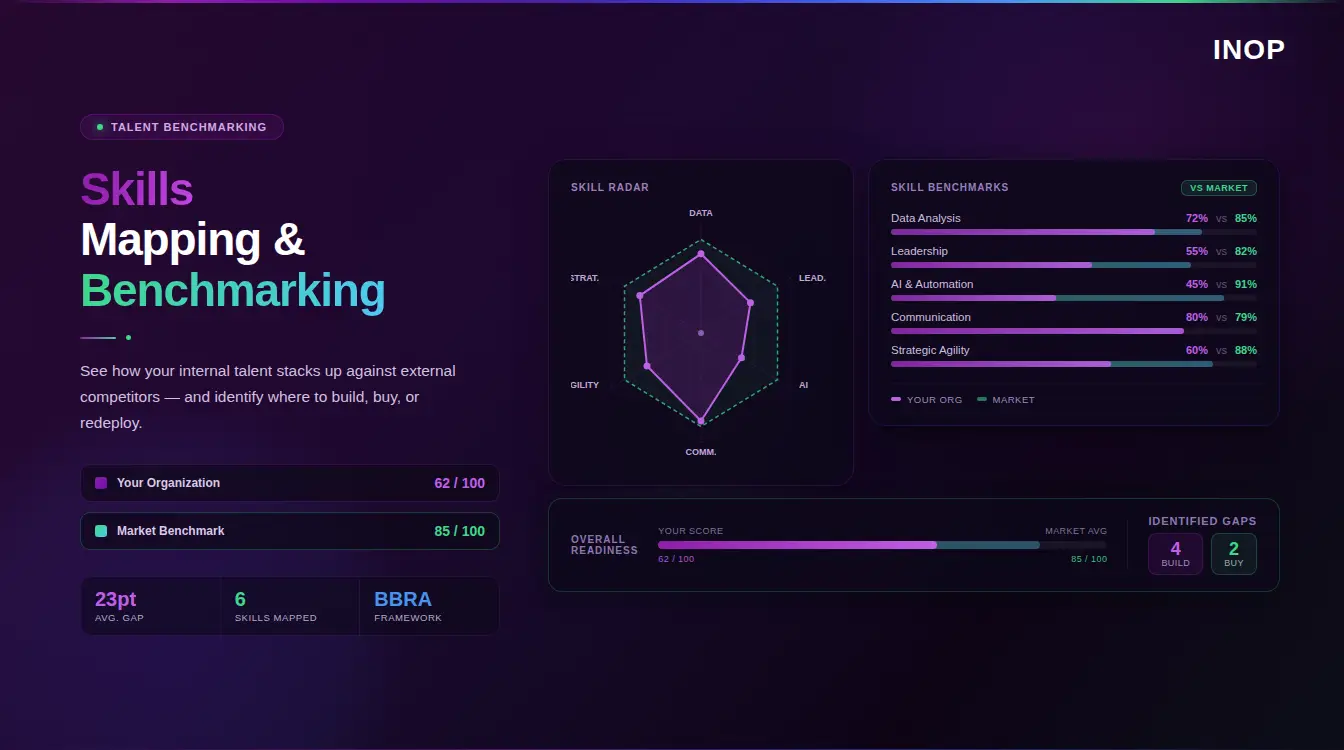
An inventory that only looks inward cannot tell you whether the skills you hold are gaining or losing value. INOP classifies every skill into one of four signal states: Emerging, In Demand, Stable or Declining. A Declining skill concentrated in a large part of the workforce is a risk that no headcount report shows. An Emerging skill held by almost nobody is a gap that gets more expensive each quarter.
How to Build a Skills Inventory Step by Step
- Anchor the inventory to the strategy.
- Choose a taxonomy.
- Collect data from more than one source.
- Validate and calibrate.
- Set a refresh rhythm and assign owners.
Start With the Strategy, Not the Skills List
Listing every skill in the company produces a large, unfocused dataset. Start with the capabilities the strategy requires over the next one to three years, then inventory those skills first. This keeps the work tied to a decision and delivers value before the full inventory is complete. INOP’s article on skills visibility in strategic workforce planning covers why this link matters.
Choose a Taxonomy
A taxonomy gives skills consistent names, so “data wrangling” and “data preparation” do not become two separate entries. You can adopt a public one, extend it or build your own. The European Commission’s ESCO classification, for example, lists 13,485 skill and knowledge concepts in its current release. The US Department of Labor’s O*NET describes more than 900 occupations through knowledge, skills, abilities and tasks and is updated quarterly. Public taxonomies are a sound starting point, but they lag the market and miss new tools and methods. INOP’s guide to a dynamic skills taxonomy explains how to keep one current. Clients can use INOP’s taxonomies, bring their own, or combine the two.
Collect Data From More Than One Source
No single source is complete. Combine HR system records, learning completions, project and role history, manager input and, where appropriate, self-reported skills. Where an organization lacks task-level or skills data for some roles, INOP infers the gaps from its own taxonomies, marks them as inferred and lets the client review them before the analysis runs. The result is an auditable baseline instead of a black box.
Validate and Calibrate
Compare the inventory with outcomes. If people tagged as advanced in a skill struggle on projects that need it, the rating method is too generous. Calibrate in small groups of managers, review outliers, and sample records for accuracy each quarter. INOP’s skills mapping article shows how to link skills to roles for this comparison.
Keep It Current
Assign an owner for each business unit and set a refresh rhythm. Quarterly works for most organizations, with event-driven updates when someone changes role, completes a major project or finishes a development program.
Employee Skills Tracking: Keeping the Inventory Alive
Employee skills tracking is the process that keeps the inventory accurate after the first build. The inventory is the dataset, and tracking is the routine that updates it. Organizations that skip tracking end up with a one-time snapshot that decays at the pace of the business.
Update Triggers
Tie updates to events that already happen: project closure, role change, completed development, a new certification, a reorganization. Updating at these points costs little because the information is already available. The OECD’s analysis of AI and skills demand finds that most workers exposed to AI do not need specialized AI skills, yet AI still changes the tasks they perform, which is a reason to track skills against tasks and not only against titles.
Privacy and Governance
Skills data describes people, so governance matters from the start. Collect only what the decision needs, and do not store names, gender or other sensitive fields when role, tenure, prior experience and skills are enough. Report at team or role level wherever possible, explain to employees what is collected and why, and use the data to guide development and capability decisions instead of performance ratings. Employees who suspect the data will be used against them stop contributing accurate information.
Skills Inventory Tools and Employee Skills Tracking Platforms: What to Look For
A spreadsheet works for a single team. Beyond that, the inventory needs a tool. Evaluate it against these criteria:
- Taxonomy flexibility: support for your own taxonomy, a public one or a blend, with daily or frequent updates.
- Multiple data sources: integrations with HR systems and learning records, and an API for ongoing sync.
- Source and confidence tagging: every record shows where it came from and how reliable it is.
- Task-level linkage: skills connect to tasks and roles, so automation exposure is visible.
- Market signals: external demand data shows which skills are rising or falling.
- Decision output: gaps convert into recommended actions and costs, not only a list.
- Governance: role-based access, encryption and no training on customer data.
For a comparison of the wider category, see INOP’s overview of skills intelligence platforms. INOP’s skills intelligence adds the external market signals and decision layer on top of the inventory, and it complements the HR and data systems already in place instead of duplicating them.
Why a Skills Inventory Decides Whether Strategy Can Be Delivered
The pace of skills change raises the cost of an unreliable inventory. The World Economic Forum reports that employers expect 39 percent of key skills to change by 2030. An inventory built on job titles cannot track that movement, because titles stay the same while the skills behind them shift.
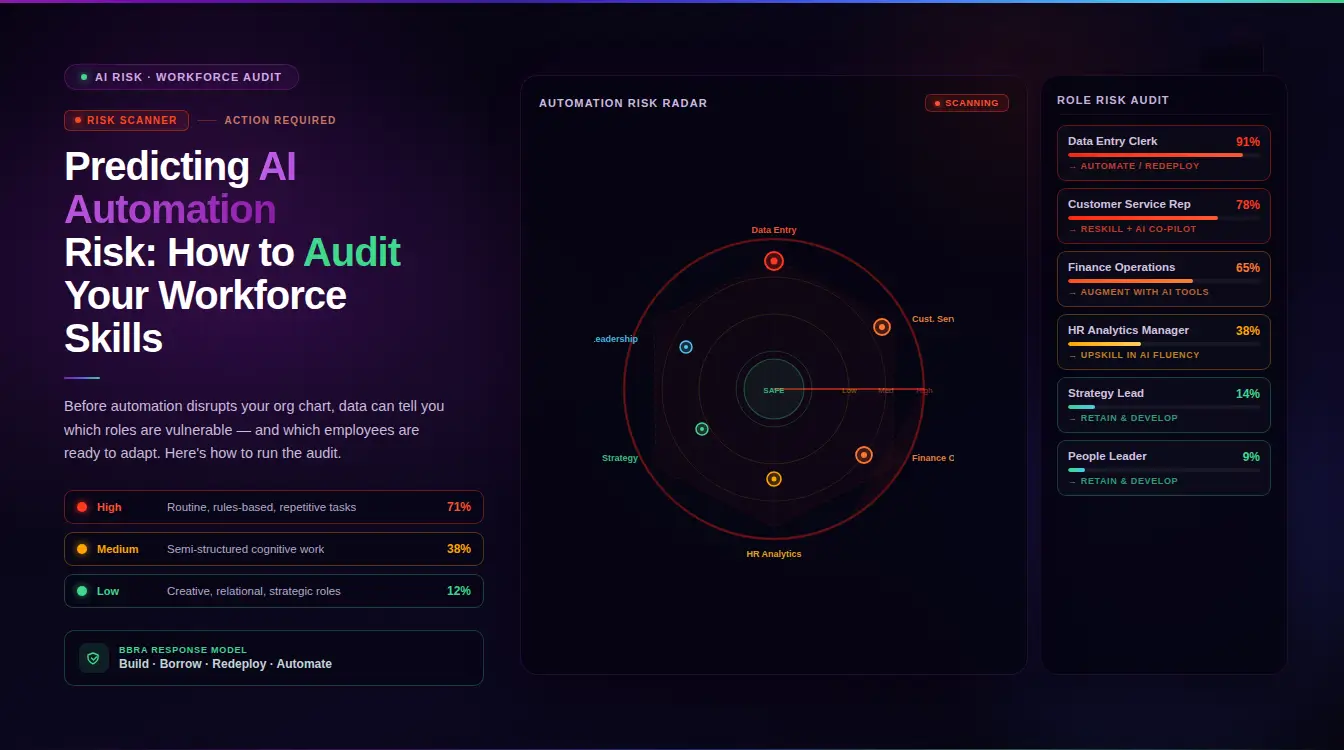
AI adds a second source of change. McKinsey Global Institute estimates that about 57 percent of US work hours could technically be automated with existing technology, and notes that this is technical potential, not a forecast of job losses. An inventory that links skills to tasks shows which skills will matter more as work is redistributed and which will matter less.
This is why INOP treats the inventory as an input to strategy execution. The question for leaders is whether the organization has the capabilities to execute its strategy today and stay ready as AI changes the work. That question cannot be answered from a headcount report.
From Skills Inventory to Decisions: INOP’s BBRA Decision Architecture
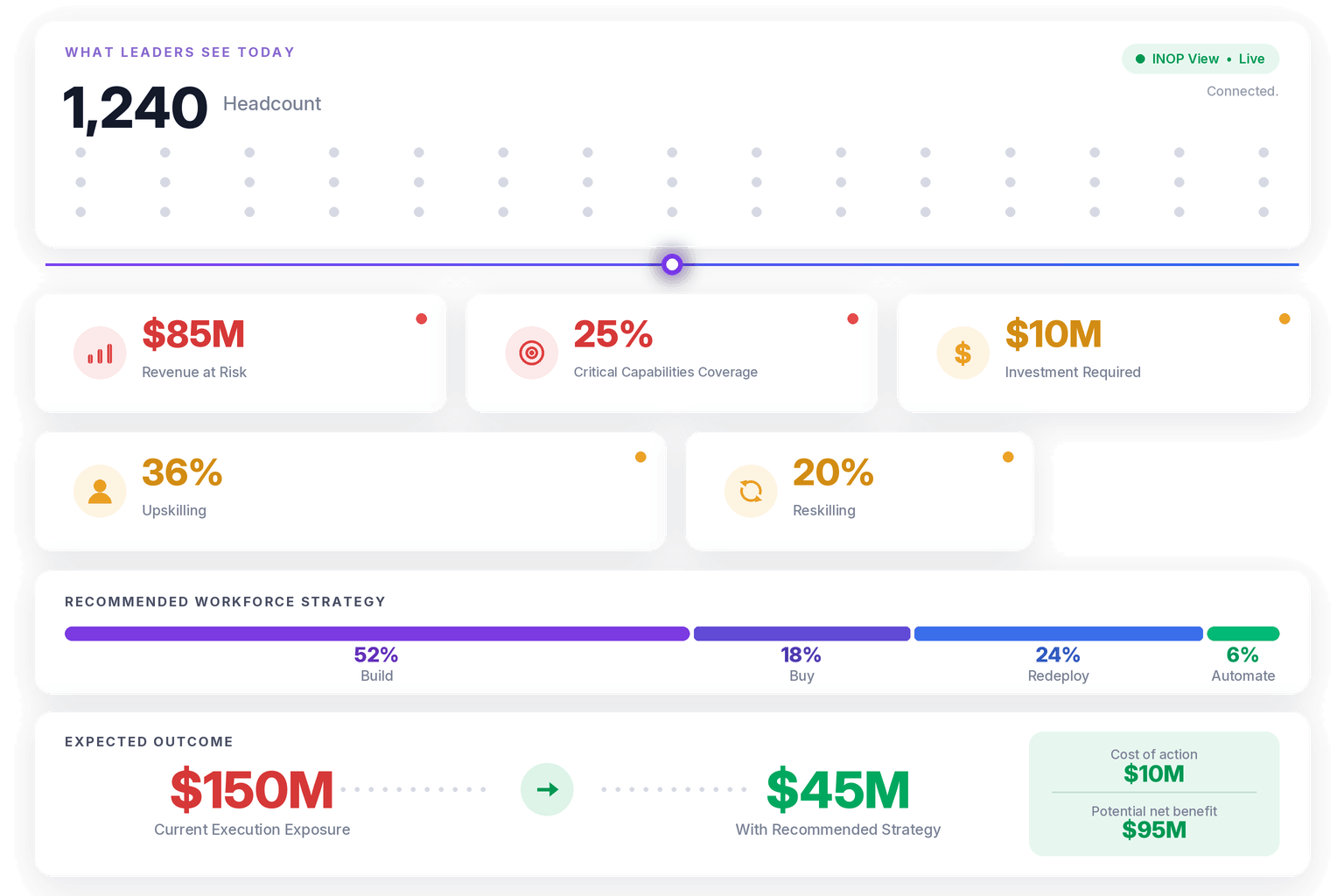
An inventory shows a gap. A decision closes it. INOP’s proprietary BBRA decision architecture evaluates every capability gap across four pathways: Build, Buy, Redeploy and Automate. Each pathway is modeled with its financial trade-offs across four time horizons: 30 days, 180 days, one year and three years.
Consider a data team of 40 people whose strategy needs 15 people with machine learning engineering skills, while the inventory shows 6. The gap is 9. Build develops four analysts with adjacent skills over the 180-day and one-year horizons. Redeploy moves three people whose current roles are being reduced through automation, and shows results fastest. Buy brings in the remaining two from outside, at the highest cost and in the shortest time. Automate removes routine work that would otherwise need extra capacity. The inventory identified the gap, and BBRA shows the cost and timing of each way of closing it.
INOP evaluates every gap through five intelligence lenses: Strategy, Finance, People, Market, and AI and Automation. Strategy confirms the skill matters to the plan. Finance prices the gap and each response. People tests whether the workforce can absorb the change. Market checks whether the skill is scarce and what it costs. AI and Automation measures how much of the related work will change, calibrated against ten external frameworks. INOP never assesses AI in isolation. It assesses AI against the strategy it serves, the budget it affects, the people who do the work and the market the business competes in. Execution Materiality then turns each gap into a cost of inaction, which is the figure that moves a decision through a budget review.
See how INOP turns a skills inventory into capability decisions with costs and timelines. Book a demo.
Skills Inventory for PE Operating Partners
For private equity operating partners, a skills inventory shows whether a portfolio company has the capability its value creation plan assumes. A plan that relies on a data platform, a pricing overhaul or a new product line depends on specific skills, and the inventory shows how many people hold them and how reliable the data is. Gaps found early cost less to close than gaps discovered after missed quarters.
Across a portfolio, a consistent inventory method allows operating partners to compare companies and to see where capability sits idle in one company while another needs it. This supports redeployment decisions before external spending and gives the investment committee a data-based answer on key-person and capability risk. In the first 100 days after an acquisition, an inventory built from existing records is faster than interviews and less dependent on outgoing leadership. INOP’s strategic workforce planning platform connects the inventory to the plan and the cost of each response.
Common Skills Inventory Mistakes
- Inventorying every skill. A focused inventory tied to strategy beats an exhaustive one nobody uses.
- Relying on self-assessment alone. Without validation, ratings drift upward and the data loses credibility.
- Using job titles as a proxy for skills. Titles hide what people can do and what they have learned.
- Treating the build as a project. An inventory with no refresh process is out of date within a year.
- Ignoring the market. Internal data cannot show which skills are gaining or losing value.
- Stopping at the list. An inventory that does not lead to a decision is a report, not a tool. See also AI skills gap analysis for the next step.
Skills Inventory Metrics
- Coverage: the share of employees and roles with a current skills record.
- Freshness: the share of records updated in the last 12 months.
- Validation rate: the share of records confirmed by a second source, not only self-reported.
- Critical skill coverage: the share of strategy-critical skills with enough qualified people.
- Gap closure rate: the share of identified gaps with an approved response and a date.
Once the gaps are known, INOP’s guide on reskilling vs upskilling helps decide where to invest.
Frequently Asked Questions
What is a skills inventory?
A skills inventory is a structured record of the skills an organization’s people hold, with a proficiency level, an evidence source and a date for each skill. It shows which capabilities exist, how many people have them and how reliable the data is, so leaders can compare capability against strategy.
How is a skills inventory different from a skills matrix?
A skills matrix is a grid of people against skills, usually for one team. A skills inventory covers the whole organization, adds sources, dates and confidence, and links skills to roles, tasks and market signals. A matrix can be one view of the inventory.
How often should a skills inventory be updated?
Review it quarterly and update individual records when something changes, such as a role move, a major project or a completed development program. Tying updates to existing events keeps the effort low and the data current.
What is the best way to track employee skills?
Combine several sources: HR system data, project and role history, learning records and manager validation, with self-reported skills as one input. Tag each record with its source, calibrate ratings across managers and refresh on defined triggers. A shared taxonomy keeps the data consistent.
How do PE operating partners use a skills inventory?
Operating partners use a skills inventory to test whether a portfolio company has the capabilities its value creation plan assumes. A consistent method across the portfolio lets them compare companies, spot gaps early and decide where redeploying existing capability is cheaper than buying it.
Book a Demo
Make confident workforce decisions that support strategy and value creation. Book a Call