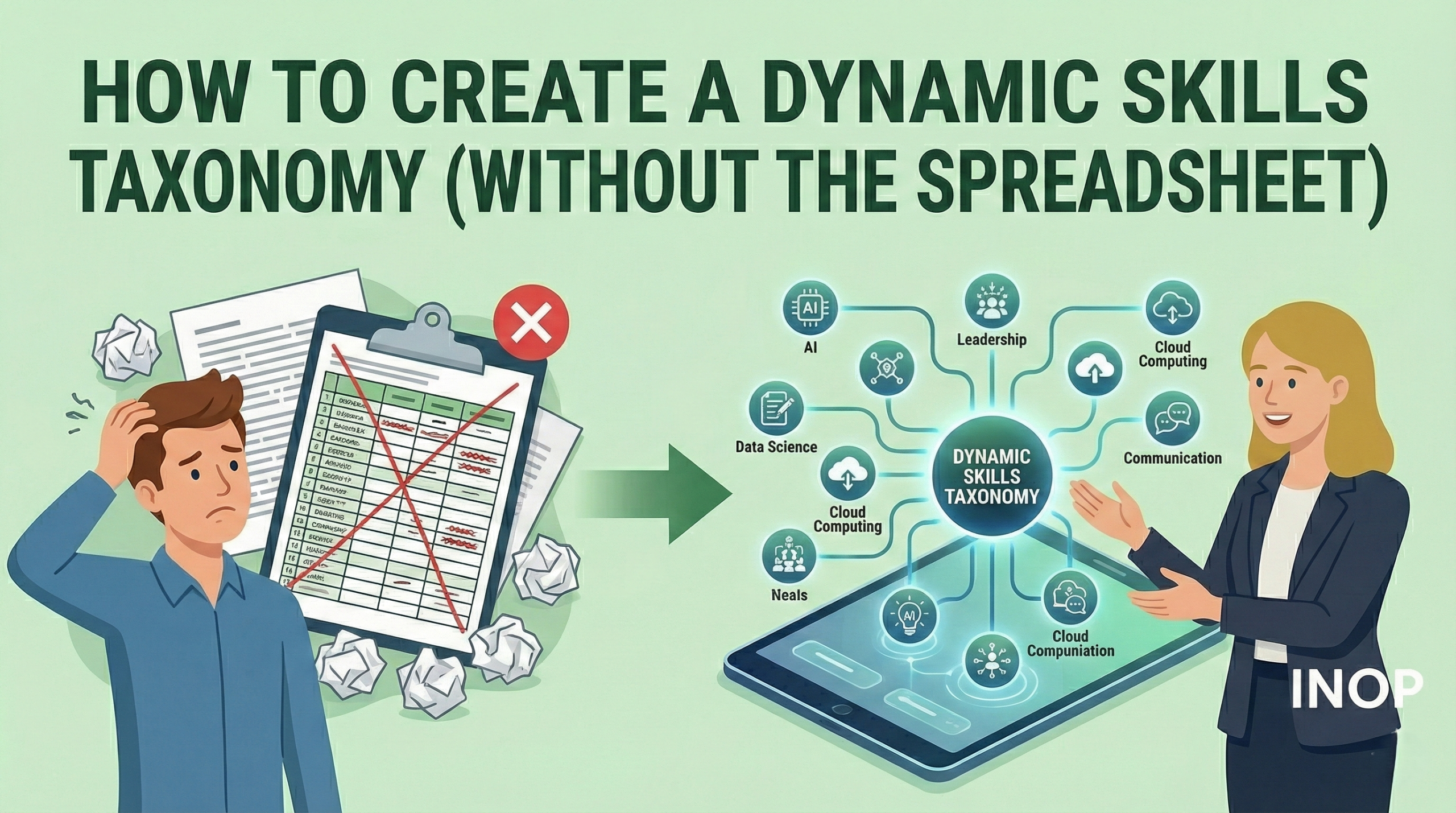
A skills taxonomy is a structured list of the skills your organization uses, grouped into categories, defined in one shared language and linked to proficiency levels and roles. A dynamic skills taxonomy keeps that list current automatically, using data from work, learning and the labor market instead of a spreadsheet someone updates once a year. This guide explains what it is, why the spreadsheet approach fails, how to build a skills taxonomy step by step, how to connect it to job architecture and dynamic skills profiles, and how to choose the right software.
What Is a Skills Taxonomy?
A skills taxonomy organizes skills into a hierarchy, such as domains, categories and individual skills, and gives each one a definition and proficiency levels. It lets HR, finance and business leaders talk about capability in the same terms, which is the basis for skills-based planning, development, mobility and pay.
Skills Taxonomy Structure: An Example
| Level | Example | Purpose |
|---|---|---|
| Domain | Data and analytics | Groups related skill areas for reporting |
| Category | Data engineering | Groups skills used together in work |
| Skill | Data pipeline design | The unit people are assessed and matched on |
| Proficiency level | Foundational, working, advanced, expert | Shows depth, used for development and pay |
| Related skills | SQL, cloud data platforms, data modeling | Shows adjacency for mobility and reskilling |
Skills Taxonomy vs Skills Ontology vs Competency Framework
A taxonomy is a hierarchy: which skills exist and where they sit. An ontology adds relationships: which skills are related, which lead to others, and which roles need them. A competency framework describes the behaviors and capabilities expected in a role, often including skills. Most organizations need all three, built on one shared skills list. For roles and competencies, see competency mapping and how AI fixes the competency framework.
Public Skills Taxonomies You Can Build On
You do not need to start from nothing. The European Commission’s ESCO skills pillar contains 13,485 concepts in a hierarchy with four sub-classifications: knowledge, skills, attitudes and values, and language skills. In the US, O*NET describes over 900 occupation profiles by their mix of knowledge, skills, abilities, activities and tasks. Use them as a reference layer and adapt the skills that matter to your business.
What Is a Dynamic Skills Taxonomy?
A dynamic skills taxonomy updates continuously. New skills are detected from job descriptions, project records, learning data and market signals, synonyms are merged, and declining skills are flagged instead of deleted. A static taxonomy is a document. A dynamic one is a system.
Static vs Dynamic Skills Taxonomy
| Dimension | Static taxonomy | Dynamic taxonomy |
|---|---|---|
| Format | Spreadsheet or document | Living data model |
| Updates | Manual, once or twice a year | Continuous, from data |
| New skills | Added when someone notices | Detected from work and market signals |
| Synonyms | Duplicates pile up | Merged into one skill |
| Relationships | None | Adjacent and prerequisite skills mapped |
| Use in decisions | Rare | Feeds planning, mobility, learning and pay |
The pace of change makes this necessary. Employers expect 39 percent of workers’ core skills to change by 2030, according to the World Economic Forum’s Future of Jobs Report 2025. A taxonomy updated once a year cannot keep up.
Why the Spreadsheet Skills Taxonomy Fails
The Maintenance Trap
Every new tool, role or project adds skills. A spreadsheet depends on someone noticing and updating it, so it falls behind within months and people stop trusting it.
Synonyms and Duplicates
“Data viz”, “data visualization” and the name of a specific charting tool all describe the same capability. Without normalization, one skill becomes many rows and every count is wrong.
No Context or Relationships
A spreadsheet lists skills but cannot show which ones are related, which lead to others or which roles need them. That is the information mobility and reskilling decisions depend on.
How to Build a Skills Taxonomy Step by Step
Step One: Start From Strategy
List the capabilities your strategy depends on over the next two to three years. Build the taxonomy around those first instead of trying to catalog every skill in the company.
Step Two: Audit Your Data Sources
Skills evidence already exists in job descriptions, project and ticket records, performance reviews, learning histories, certifications and internal profiles. List each source, its owner and how current it is.
Step Three: Infer Skills With AI
Language models can read those sources and extract skills at scale, which gives you coverage no survey can match. Treat inferred skills as a starting point, not as verified fact.
Step Four: Normalize and Build the Ontology
Map every extracted skill to one canonical name, merge synonyms, place each skill in the hierarchy and link related skills. Anchor your structure to a reference such as ESCO or O*NET where it fits.
Step Five: Validate With Experts
Subject matter experts review new skills, definitions and relationships. AI does the heavy lifting, and people confirm what matters. For assessment methods, see skill assessment tools.
Step Six: Set Governance and Refresh Rules
Name an owner, decide who can add or retire a skill and set a review cadence by domain. Fast-moving areas such as AI and software tools need more frequent review than foundational skills.
How to Create a Dynamic Skills Profile
A dynamic skills profile is the employee-level view of the taxonomy: which skills a person holds, at what level and with what evidence. To create one:
- Seed the profile with skills inferred from the person’s work, learning and role history.
- Let the employee confirm and add skills, with evidence where possible.
- Verify proficiency through assessment, certification or manager validation for skills that drive decisions.
- Update automatically as new work, projects and learning are recorded.
- Show the employee what they gain, such as matched opportunities and development paths, so they keep it current.
INOP’s skills intelligence builds and verifies skills profiles from your existing data and keeps them current against external market demand.
Connecting the Skills Taxonomy to Job Architecture
An enterprise skills taxonomy works best when it is linked to a dynamic job architecture. Each role family and level is described by the skills and proficiency it needs, so when work changes, the role profile changes with it instead of waiting for a job description rewrite.
- Define role profiles by skills, not only by duties.
- Use the same proficiency scale across the taxonomy and the job architecture.
- Review role profiles when the skills behind them change.
- Link pay to the architecture where skills drive value. See building pay bands and skills-based pay vs job-based pay.
See a dynamic skills taxonomy built from your own data. INOP verifies skills and maps them to roles and market demand. Book a demo
Putting the Skills Taxonomy to Work
Workforce Planning
Compare the skills the strategy needs with the skills the organization holds, and price each way of closing the gap. INOP’s strategic workforce planning platform links skills supply to demand. To forecast gaps, read predicting talent gaps with dynamic skills taxonomies.
Generating Training Requirements From Skill Gaps
Compare each role profile with each person’s verified skills, and the gaps become training requirements automatically. Small gaps call for upskilling and large ones for reskilling. See reskilling vs upskilling and AI skills gap analysis.
Internal Mobility
Adjacent skills show who could move into new work with a short development step, including people whose titles would not suggest it. Read how to spot hidden talent.
Pay for Skills
Verified skills and proficiency let you price scarce skills against the market. INOP’s compensation analytics platform benchmarks pay by role and skill.
Skills Taxonomy Software: What to Look For
| Criterion | What to ask |
|---|---|
| Skills inference | Which sources does it read, and how accurate is extraction on your data? |
| Normalization | How does it merge synonyms and map to a reference taxonomy? |
| Verification | Can it verify proficiency, or only infer and collect self-ratings? |
| Market data | Does it show external demand and pay for each skill? |
| Decision support | Does it connect skills to planning, mobility and pay decisions? |
| Governance | Who can change the taxonomy, and is there an audit trail? |
| Integration | Does it connect to your HRIS, learning and project systems? |
INOP connects through its API to the systems you already run. For a wider view of the market, read top platforms for skills intelligence.
How INOP Uses the Skills Taxonomy in Decisions
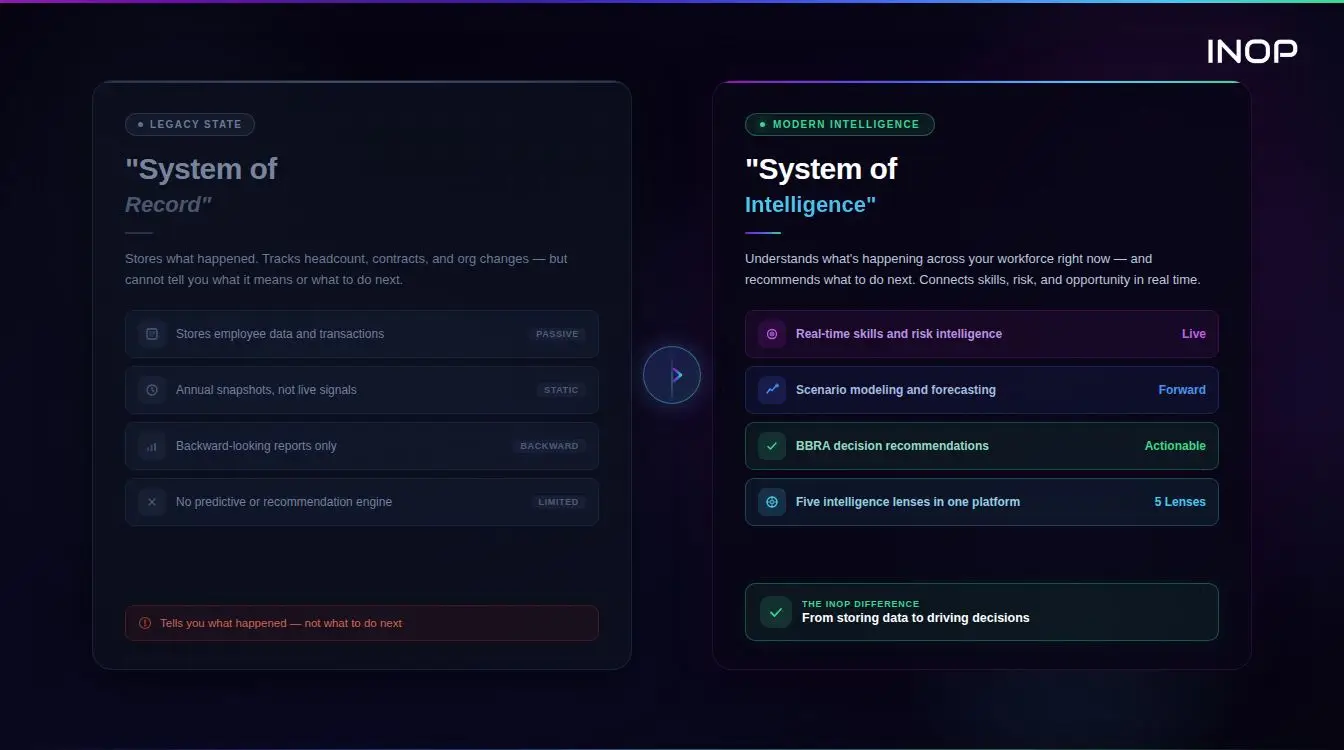
INOP answers whether leaders have the capabilities to execute their strategy today and stay AI-ready. It never assesses AI in isolation and tests every skills decision against five intelligence lenses: Strategy, Finance, People, Market, and AI and Automation. The result feeds BBRA, INOP’s proprietary decision architecture: Build, Buy, Redeploy, Automate. BBRA models all four pathways for each skills gap with financial trade-offs across 30-day, 180-day, one-year and three-year horizons.
Measuring Skills Taxonomy Success
| Metric | What it shows |
|---|---|
| Profile coverage | Share of employees with verified skills profiles |
| Freshness | Share of profiles updated in the last quarter |
| Active use | How often managers and employees use skills data in decisions |
| Internal fill rate | Share of roles filled through internal moves |
| Recommendation acceptance | Share of suggested matches and learning paths people act on |
| Gap closure | How quickly critical skills gaps shrink |
Set targets from your own baseline and track the trend each quarter.
Conclusion: From Spreadsheet to Living System
A skills taxonomy is the shared language of a skills-based organization. Built as a spreadsheet, it goes stale. Built as a dynamic system, it stays current, feeds planning, learning, mobility and pay, and turns skills data into decisions. Start with the skills your strategy depends on, use AI for coverage and experts for validation, and connect the result to real decisions. For the wider operating model, read building a skills-based organization.
Ready to replace the skills spreadsheet? INOP builds a verified, dynamic skills view from the data you already have. Book a demo
Skills Taxonomy FAQs
What is a skills taxonomy?
A skills taxonomy is a structured hierarchy of the skills an organization uses, with shared definitions and proficiency levels, linked to roles and people.
How do you build a skills taxonomy?
Start from the capabilities your strategy needs, audit your data sources, infer skills with AI, normalize them into one structure, validate with experts and set governance and refresh rules.
What is the difference between a skills taxonomy and a skills ontology?
A taxonomy organizes skills into a hierarchy. An ontology adds relationships between skills and roles, such as which skills are adjacent or lead to others.
Do employees need to update their skills profiles manually?
Not mainly. A dynamic system infers most skills from work and learning data, and employees confirm, add and provide evidence where it matters.
How are niche or company-specific skills handled?
The system detects them from internal data, and subject matter experts confirm their names, definitions and place in the hierarchy.
What happens to outdated skills?
They are flagged with declining relevance instead of deleted, so history is kept and people holding them can be offered adjacent paths.